VSKA Vanguard
US$39 per PC per year
30-day free trial, no card needed. Renews yearly; cancel any time. 14-day refund.
Trial download opens soon
Purchases open soon
Country allow list
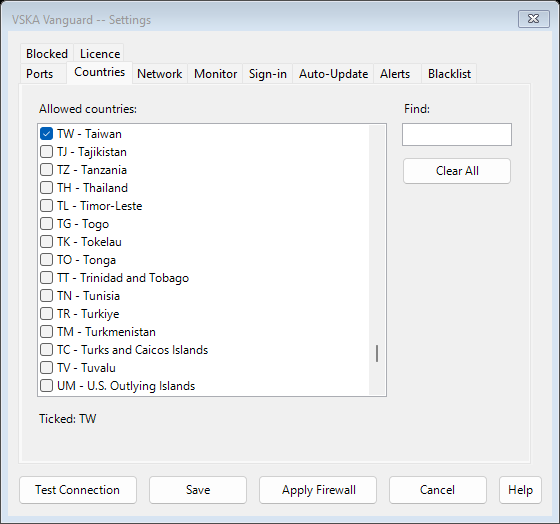
Only connections from the countries you choose, your local network and addresses you add can reach Remote Desktop. Windows Firewall refuses everything else.
Connection log
Records every attempt to reach your PC's Remote Desktop, with the country and network of the address, so you can see who is knocking.
Repeat-offender blocking
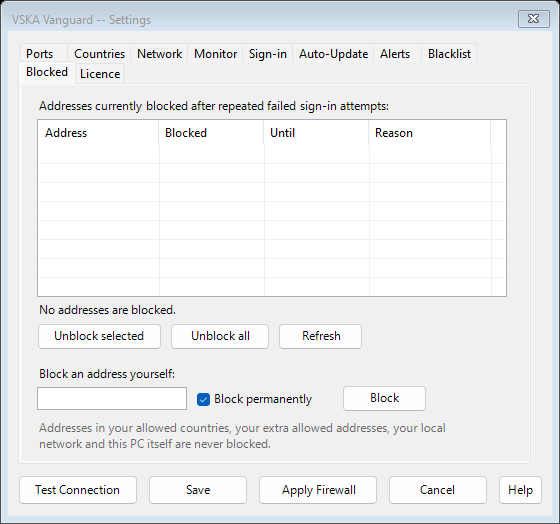
Addresses that fail to sign in too often are blocked automatically: first for an hour, then a day, then for good.
Always on
Keeps recording and blocking from startup, even when nobody is signed in.
Self-repair
Every few minutes it checks its firewall rules and Windows Firewall itself, and repairs them if something has removed or changed them.
See it work
Requirements
Windows 10 or 11, administrator rights, internet connection for setup.
Questions
- What happens when the licence ends?
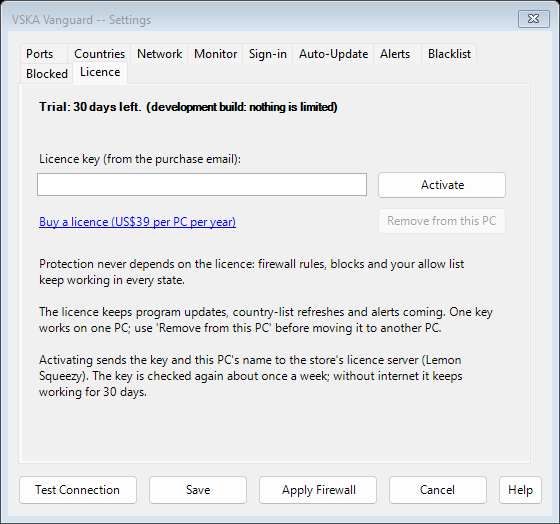
- Protection keeps working; updates, country-list refreshes and alerts stop.
- Can I move it to another PC?
- Yes: Settings, Licence tab, Remove from this PC, then enter the key on the new PC.
- Refunds?
- Within 14 days, no questions asked. See the Refund Policy.
Support
Email vska@live.com. We reply within 2 business days.